Quickboard – create and manage phpBB test boards
Body:
Quickboard
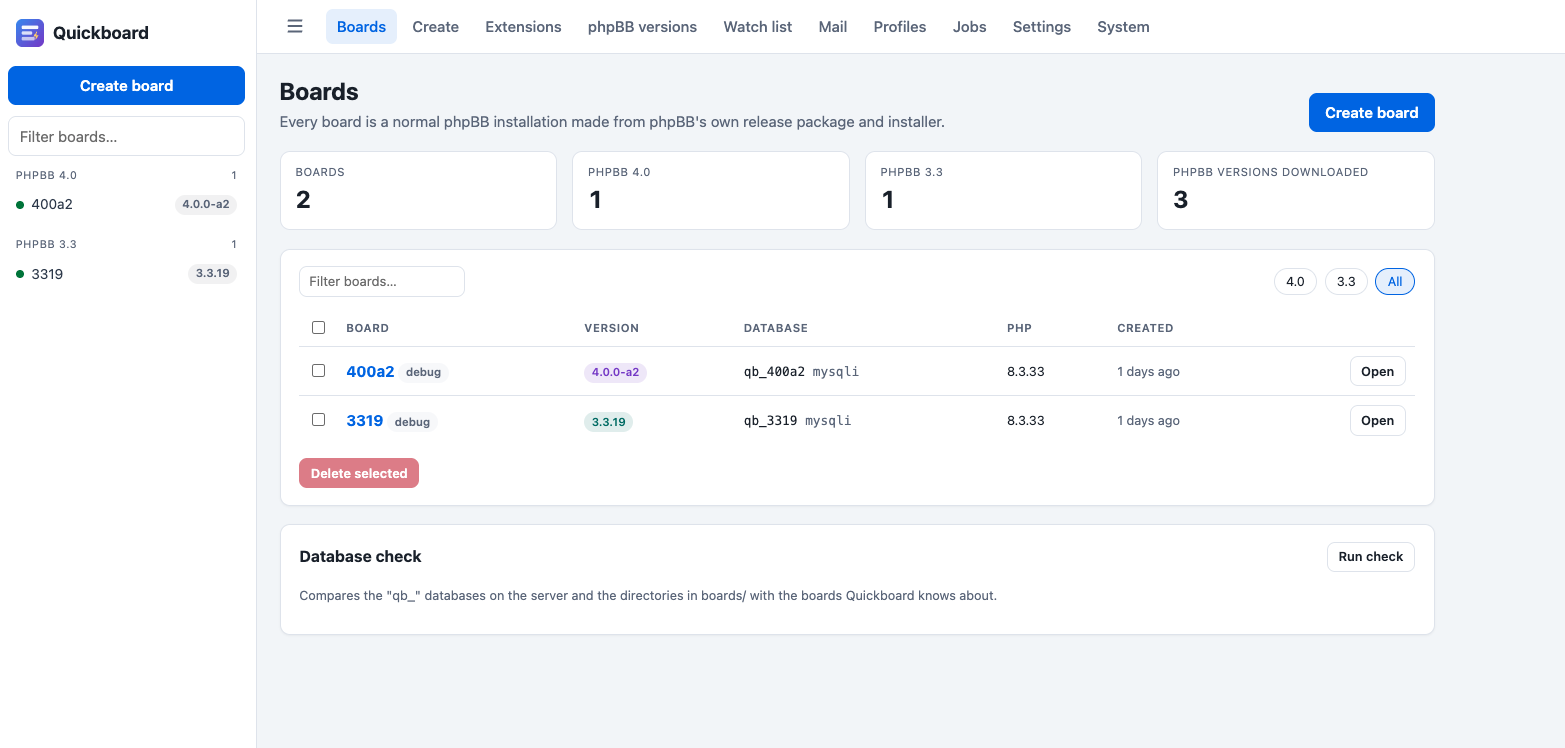
Create, run and remove phpBB test boards of any version side by side. phpBB 3.3.x and 4.0.x run next to each other, without swapping source folders.
Quickboard is a standalone tool, not a phpBB extension. It uses phpBB's own release files and phpBB's own installer; it never ships or patches phpBB code.
Download:
…
License: GNU General Public License v2
Features
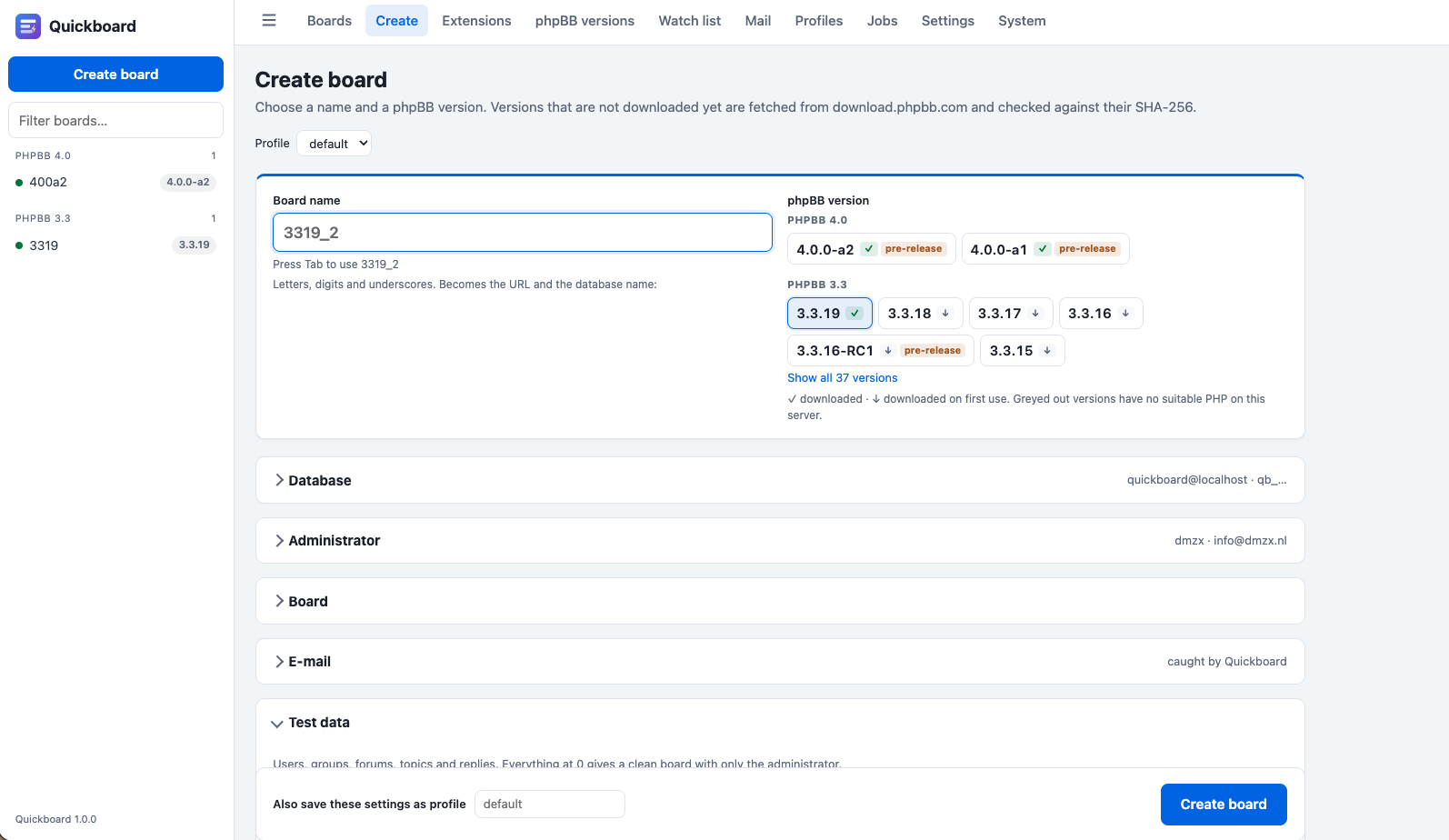
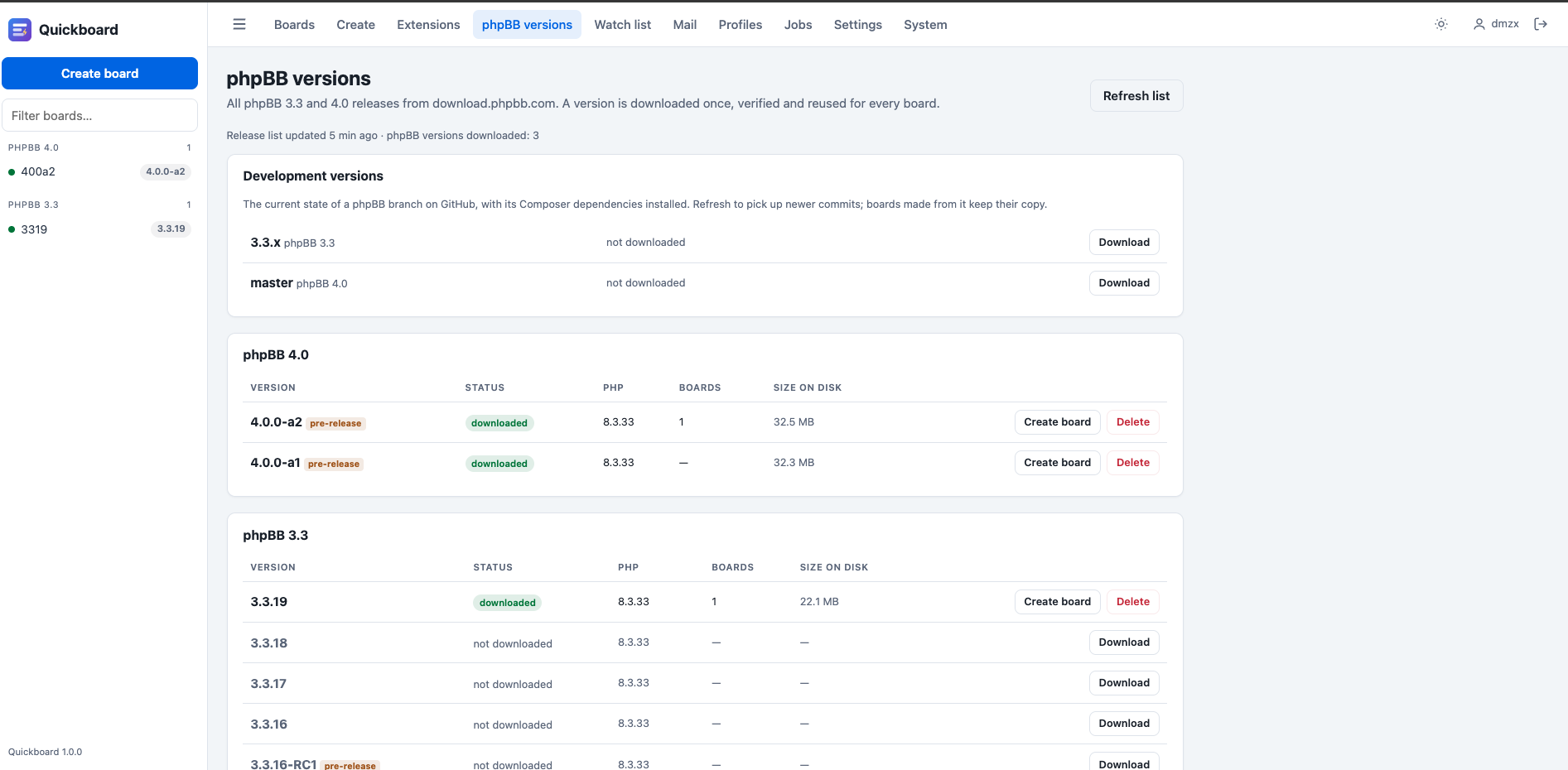
- Any phpBB version. Releases come straight from download.phpbb.com and are checked against their SHA-256. Each version is downloaded once and reused for every board. Development versions (3.3.x, master) from GitHub are supported too.
- Boards in one click. Installed with phpBB's own CLI installer, each with its own database and URL. Optional test data: users, groups, categories, forums, topics and replies.
- MySQL/MariaDB or SQLite. Quickboard creates and drops a database per board. On hosting where you may not create databases, all boards share one database with a table prefix per board.
- Open ACP with one click through a single-use login link, and Reset admin password per board.
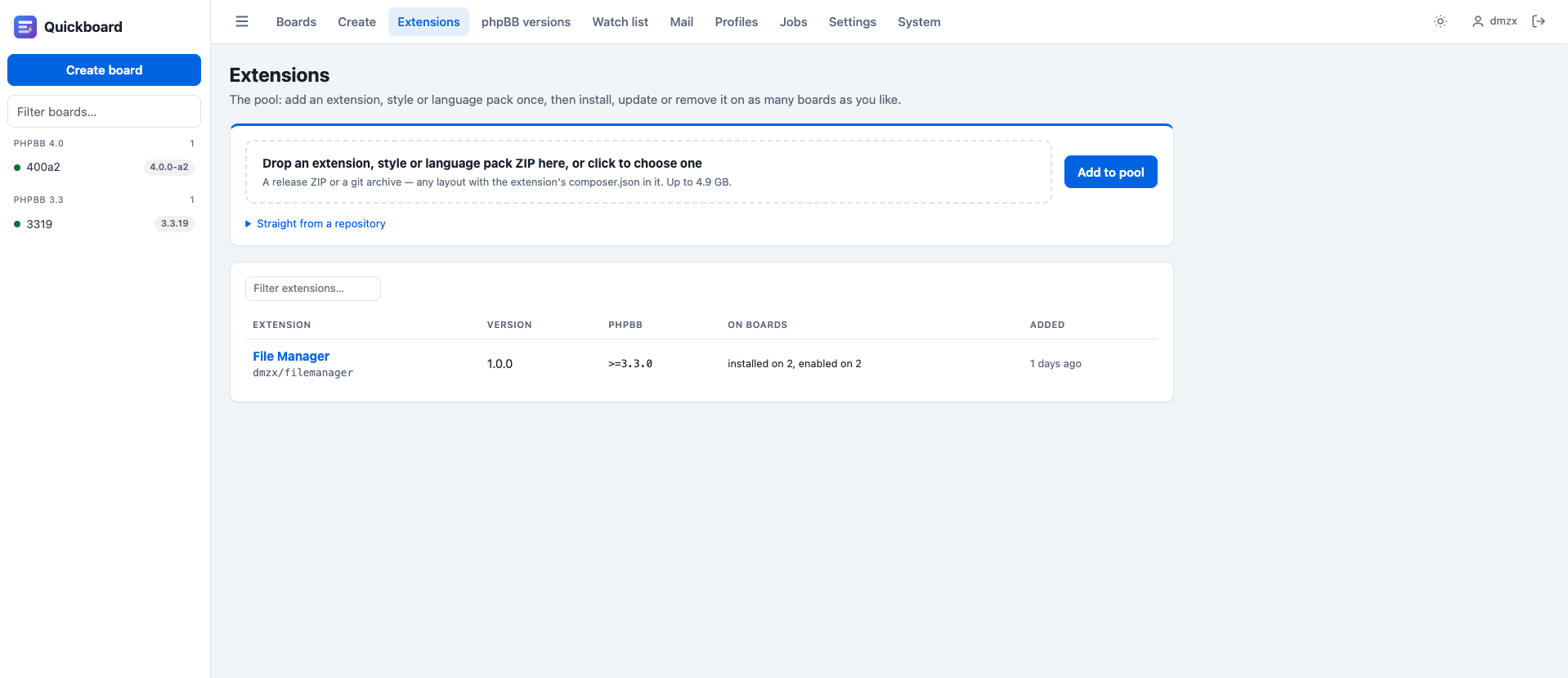
- Pool for extensions, styles and language packs: add one once, then install, update, enable, disable or remove it on any number of boards.
- Snapshots (database + files) per board, restored in one click.
- Clone a board, and upgrade a board with phpBB's own updater. A snapshot is taken first and restored automatically when the upgrade fails.
- Mail catcher: boards send their mail to Quickboard instead of real mailboxes. Read it as HTML, text, headers or source.
- Watch list: new releases of the extensions in your pool (from their own version check) and of any feed you add, with the boards that still run an older version.
- Long tasks run in the background with a live log, so you can close the browser meanwhile.
- Self-update from the System page, with a backup of the old code.
- Light and dark theme, or follow the system setting.
- PHP 8.1 or newer, with curl, zip, json, mbstring, and mysqli and/or sqlite3
- At least one PHP command-line binary. phpBB 3.3.5+ needs PHP 8.1–8.4, phpBB 4.0 needs PHP 8.2+
- proc_open must not be disabled (boards are installed by phpBB's CLI installer)
- Apache (the included .htaccess files protect the code) or nginx
- MySQL/MariaDB, or nothing at all with SQLite
- Outgoing HTTPS to download.phpbb.com, github.com and the update feed
- Download the ZIP and upload it to your web root, for example /home/user/public_html/.
- Unzip it there. You get a quickboard folder; do not unpack its contents loose into the web root.
- Open https://your.site/quickboard/. The installer checks the server, asks for a database login or SQLite, and creates your Quickboard administrator.
- Log in and create your first board.
For the most secure setup, put the quickboard folder next to your web root and make only its public/ folder reachable with a symlink. The README describes both layouts.
Which database login? Quickboard needs an account that may create databases, for example MySQL root on a VPS. The README lists where to find it for CWP, cPanel/WHM, DirectAdmin, Plesk and plain Debian/Ubuntu, and how to create a dedicated account instead. On shared hosting, use an existing database in shared mode, or SQLite.
Updating
Quickboard checks its update feed every 6 hours. When a new version is out, a notice appears on the System page: click Install update, or drop a downloaded release ZIP on Update Quickboard. Only the code is replaced; boards, the pool, profiles, snapshots and your data stay. The old code is saved in the backups folder first.
Support
Questions, problems or ideas: reply in this topic. For a problem, please mention your PHP version, web server, database and what the job log or the page says.