



Author: dmzx
Special thanks to: martin
Extension Description:
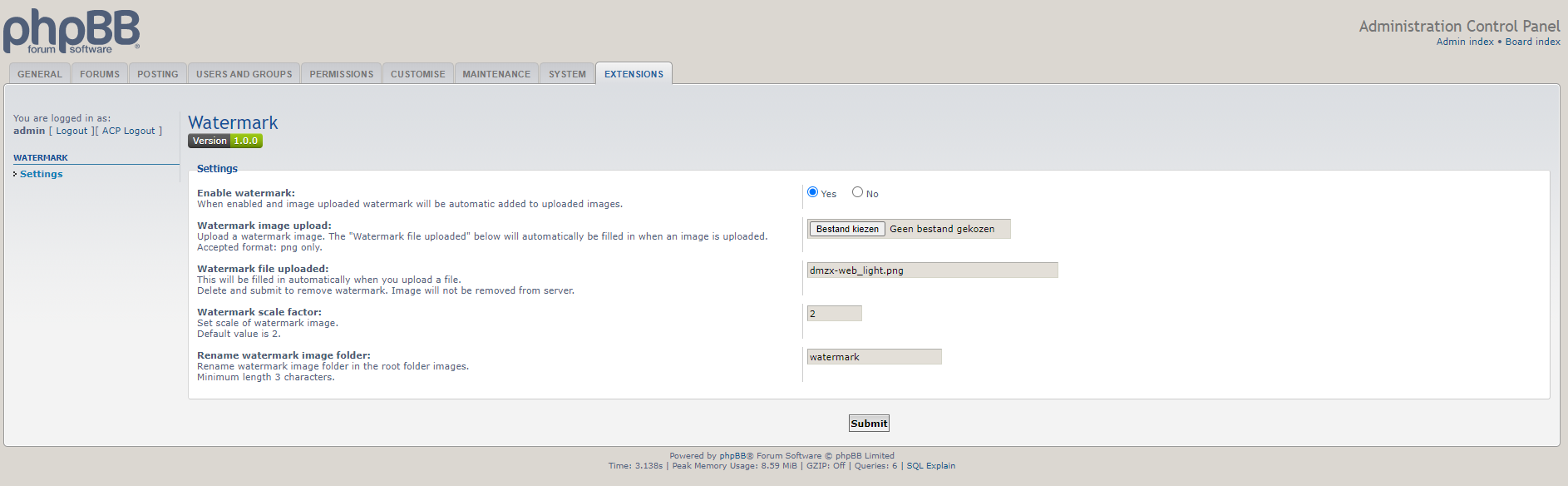
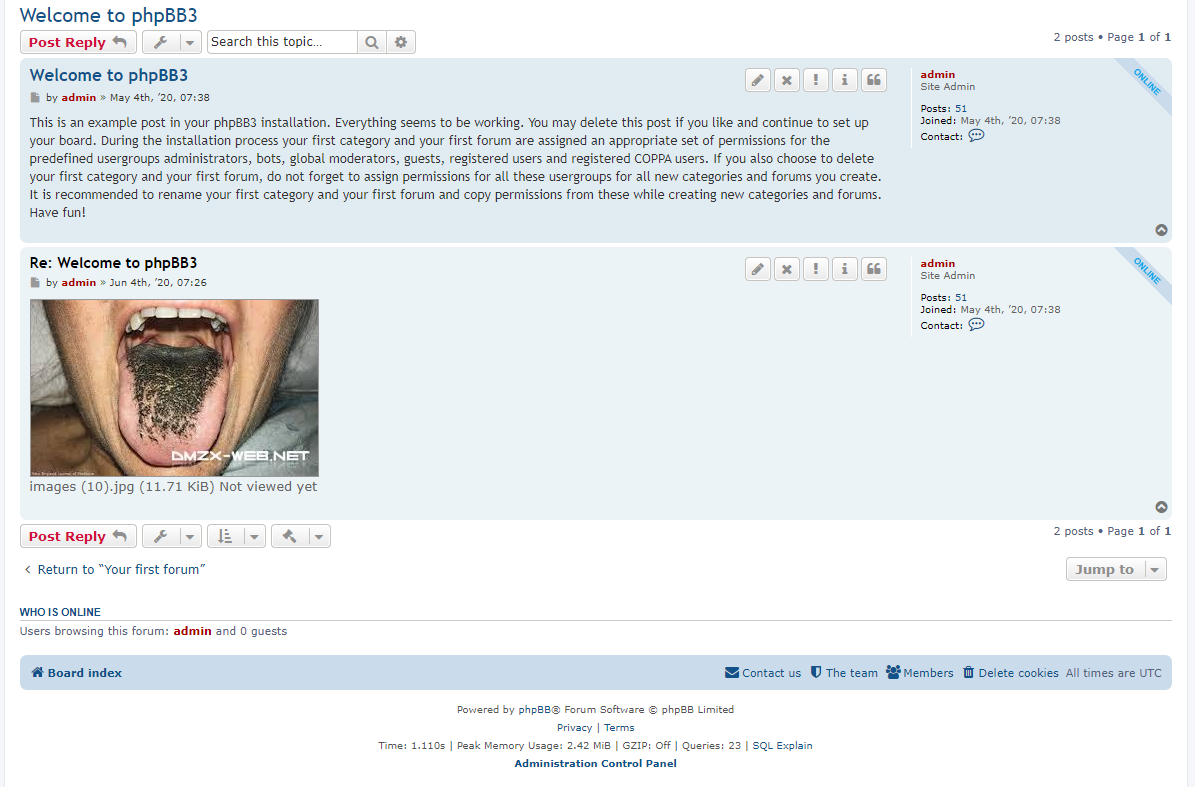
Watermark automatically images by upload.



Fixed: on phpBB 4.0+, the attachment thumbnail could still come out rotated or upside down even after the 1.0.6 fix below. phpBB core generates the thumbnail from the original upload before this extension gets any chance to touch it, so the thumbnail needed its own, separate fix.

Fixed: photos uploaded from a mobile phone could come out rotated or upside down once watermarked, even though they displayed correctly before watermarking was enabled. GD (used to apply the watermark) ignores a JPEG's EXIF Orientation tag on decode and never writes it back out on encode, so the tag that told the browser how to rotate the image for display was silently lost while the pixels themselves stayed exactly as the camera sensor captured them. The image is now physically rotated/flipped to match its EXIF orientation before the watermark is applied, on both phpBB 3.3.x and 4.0+.

Fixed: no watermark was applied to uploaded images on phpBB 4.0.x, even though ACP settings saved correctly. phpBB 4.0 now triggers core.modify_uploaded_file before the upload reaches its new storage abstraction, and no longer exposes any filesystem path to event listeners at that point, so the 3.3.x-era approach could never find the file. On phpBB 4.0+, watermarking now happens by decorating the storage.attachment service and applying the watermark right before the file bytes are persisted (see di/extension.php and storage/attachment_decorator.php). Behavior on phpBB 3.3.x is unchanged.
Extended supported phpBB range to include 4.0.x.

- Added forum exclude in ACP.
- Added warning if GD is active in ACP.
- Code update.

- Added support for webp images.
- Added code for check mimetype.

- Added orientation of watermark.

- Added position of watermark.
- Added transparency level for watermark.
Screenshots:

Extension Download:
…
Installation:
- Download the latest release.
- Unzip the downloaded release, and change the name of the folder to `watermark`.
- In the `ext` directory of your phpBB board, create a new directory named `dmzx` (if it does not already exist).
- Copy the `watermark` folder to `/ext/dmzx/` if done correctly, you'll have the main extension class at
(your forum root)/ext/dmzx/watermark/composer.json - Navigate in the ACP to `Customise -> Manage extensions`
- Look for `Watermark` under the Disabled Extensions list, and click its `Enable` link.











 ...It doesn't work, when I try to access the configuration of the extension this error is triggered:
 services i missed that one.