



Author: dmzx
Extension Description:
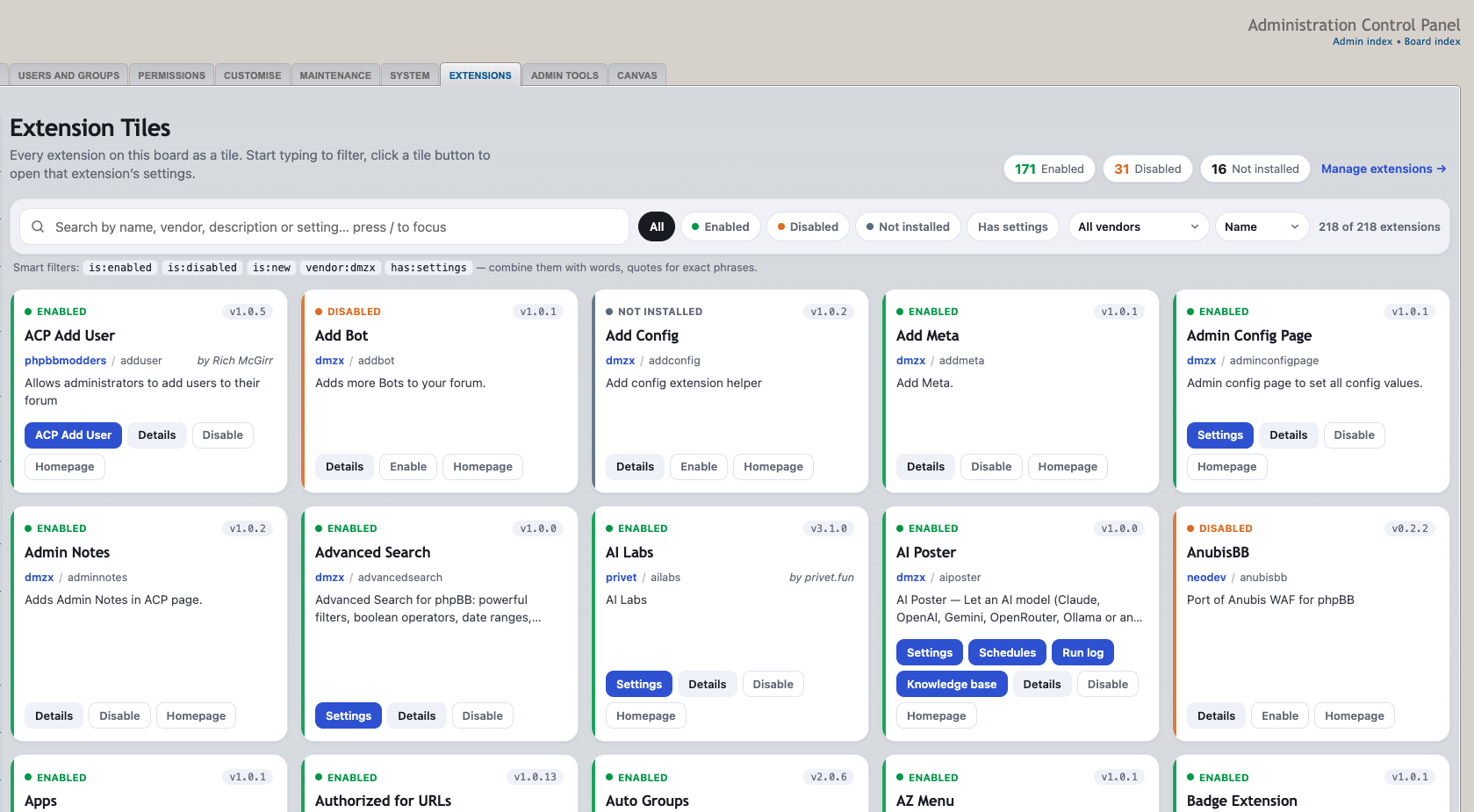
Tile overview of every extension on the board with instant smart search and direct links to each extension's ACP pages.


Screenshots:
Extension Download:
…
Installation:
- Download the latest release.
- Unzip the downloaded release, and change the name of the folder to `extensiontiles`.
- In the `ext` directory of your phpBB board, create a new directory named `dmzx` (if it does not already exist).
- Copy the `extensiontiles` folder to `/ext/dmzx/` if done correctly, you'll have the main extension class at
(your forum root)/ext/dmzx/extensiontiles/composer.json - Navigate in the ACP to `Customise -> Manage extensions`
- Look for `Extension Tiles` under the Disabled Extensions list, and click its `Enable` link.