<span class="qte-attr qte_31_32-qte">3.1.x & 3.2.x</span>
-
dmzx
- Founder

- Posts: 6585
- Joined: 13 Jan 2014, 21:45
Post
by dmzx »
-
martin
- Admin

- Posts: 5138
- Joined: 06 Apr 2014, 16:12
Post
by martin »
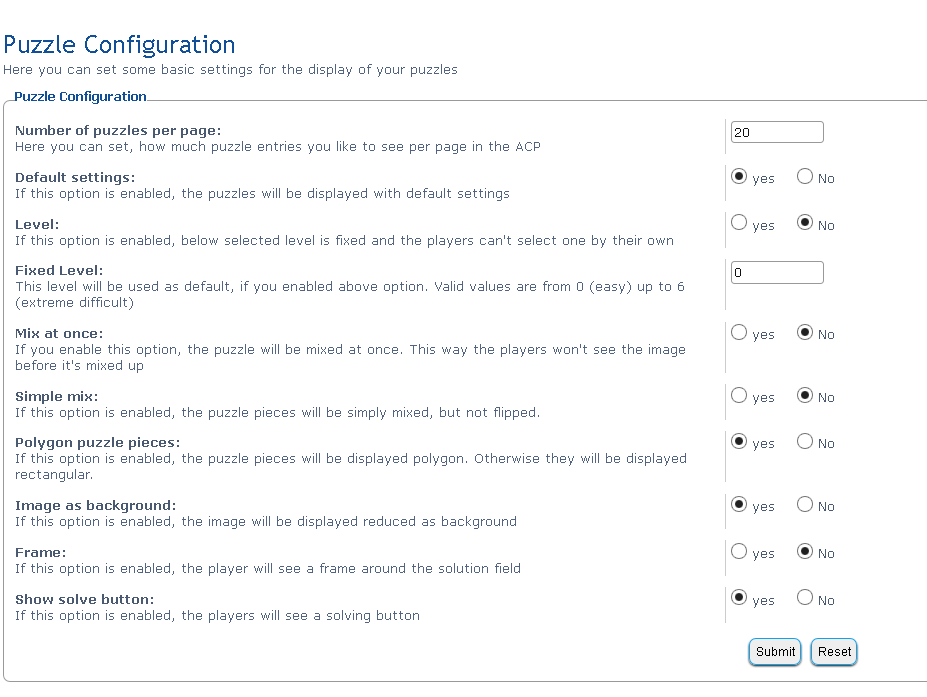
Upload any image you want to use in to ext/dmzx/puzzle/puzzles folder then add just the image name and format like the image bellow.
56.png
You do not have the required permissions to view the files attached to this post.
-
Solidjeuh
- Users

- Posts: 348
- Joined: 13 Dec 2014, 02:40
Post
by Solidjeuh »
Yess! Love this extension! Maybe in the future get it to work with arcade points

Forum voor NL Extensie vertalingen ---> https://www.supportforum.be
----------------------------------------------------------------------------
-
Null
- Users

- Posts: 125
- Joined: 09 Oct 2015, 06:03
Post
by Null »
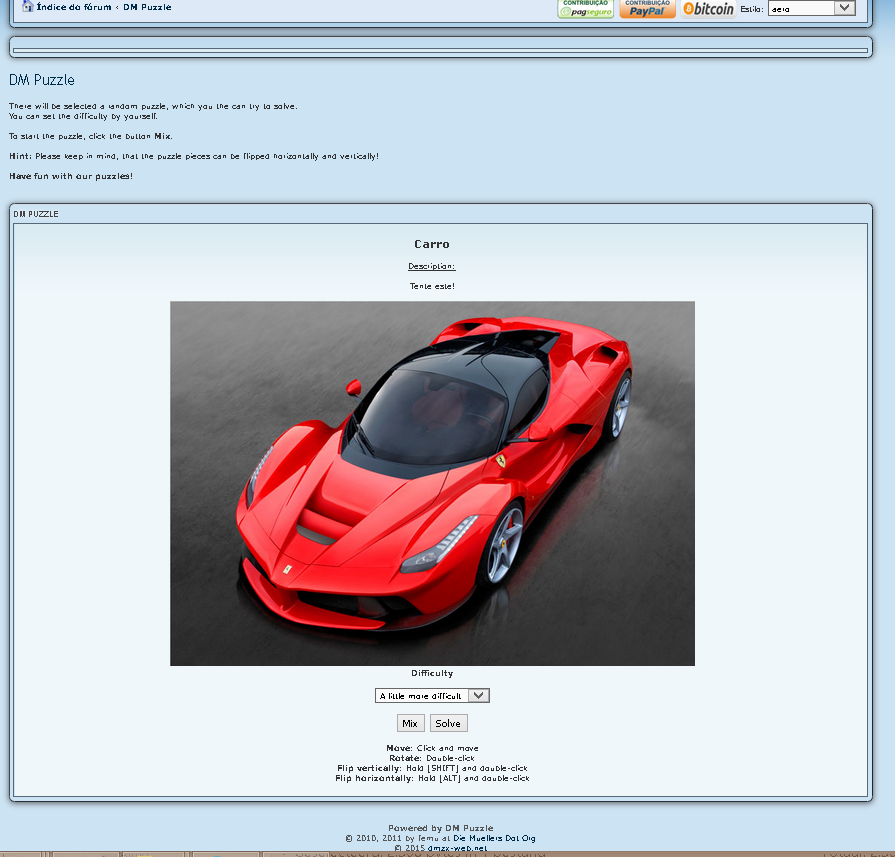
I got a weird background in my forum:

Last edited by
Null on 16 Oct 2015, 21:43, edited 1 time in total.
-
Solidjeuh
- Users
- Posts: 348
- Joined: 13 Dec 2014, 02:40
Post
by Solidjeuh »
Same here, But Its looking good hahaha
-
dmzx
- Founder
- Posts: 6585
- Joined: 13 Jan 2014, 21:45
Post
by dmzx »
Null wrote:I got a weird background in my forum:
I see this:
-
Null
- Users
- Posts: 125
- Joined: 09 Oct 2015, 06:03
Post
by Null »
Is it possible to insert "who is online" playing it at bottom?
Im using chrome. Is that the problem in background?
Last edited by
Null on 16 Oct 2015, 21:48, edited 1 time in total.
-
Solidjeuh
- Users
- Posts: 348
- Joined: 13 Dec 2014, 02:40
Post
by Solidjeuh »
You do not have the required permissions to view the files attached to this post.
-
dmzx
- Founder
- Posts: 6585
- Joined: 13 Jan 2014, 21:45
Post
by dmzx »
If you use Posting buttons extension see this:
martin wrote:posting buttons css
replaced with
Code: Select all
#images{
	background-image:  url("./images/images.png");
}
note renamed the image too
posting_editor_buttons_before.html
replaced it with id="images"
Code: Select all
<!-- IF S_BBCODE_IMG -->
          <input type="button" class="postingbuttons" accesskey="p" name="addbbcode14" value="" onclick="bbstyle(14); myFunction();" id="images" title="{L_BBCODE_P_HELP}" />
   <!-- ENDIF -->
puzzle and posting buttons on and both working
-
Solidjeuh
- Users
- Posts: 348
- Joined: 13 Dec 2014, 02:40
Post
by Solidjeuh »
dmzx wrote:If you use Posting buttons extension see this:
martin wrote:posting buttons css
replaced with
Code: Select all
#images{
	background-image:  url("./images/images.png");
}
note renamed the image too
posting_editor_buttons_before.html
replaced it with id="images"
Code: Select all
<!-- IF S_BBCODE_IMG -->
          <input type="button" class="postingbuttons" accesskey="p" name="addbbcode14" value="" onclick="bbstyle(14); myFunction();" id="images" title="{L_BBCODE_P_HELP}" />
   <!-- ENDIF -->
puzzle and posting buttons on and both working
Thank you! Fixed! :)
-
Null
- Users
- Posts: 125
- Joined: 09 Oct 2015, 06:03
Post
by Null »
Solved, thanks!
-
Null
- Users
- Posts: 125
- Joined: 09 Oct 2015, 06:03
Post
by Null »
Translations to Spanish and Portuguese-Brazil: Download puzzle.rar from Sendspace.com - send big files the easy way
Last edited by
Null on 18 Oct 2015, 02:42, edited 1 time in total.
-
dmzx
- Founder
- Posts: 6585
- Joined: 13 Jan 2014, 21:45
Post
by dmzx »
Null wrote:Translations to Spanish and Portuguese-Brazil: Download puzzle.rar from Sendspace.com - send big files the easy way
Added

-
martin
- Admin
- Posts: 5138
- Joined: 06 Apr 2014, 16:12
Post
by martin »
Might be worth adding my fix to posting buttons ? i cant see another way around the conflict

-
dmzx
- Founder
- Posts: 6585
- Joined: 13 Jan 2014, 21:45
Post
by dmzx »
martin wrote:Might be worth adding my fix to posting buttons ? i cant see another way around the conflict
Updated




 [travis]dmzx/Puzzle[/travis]